
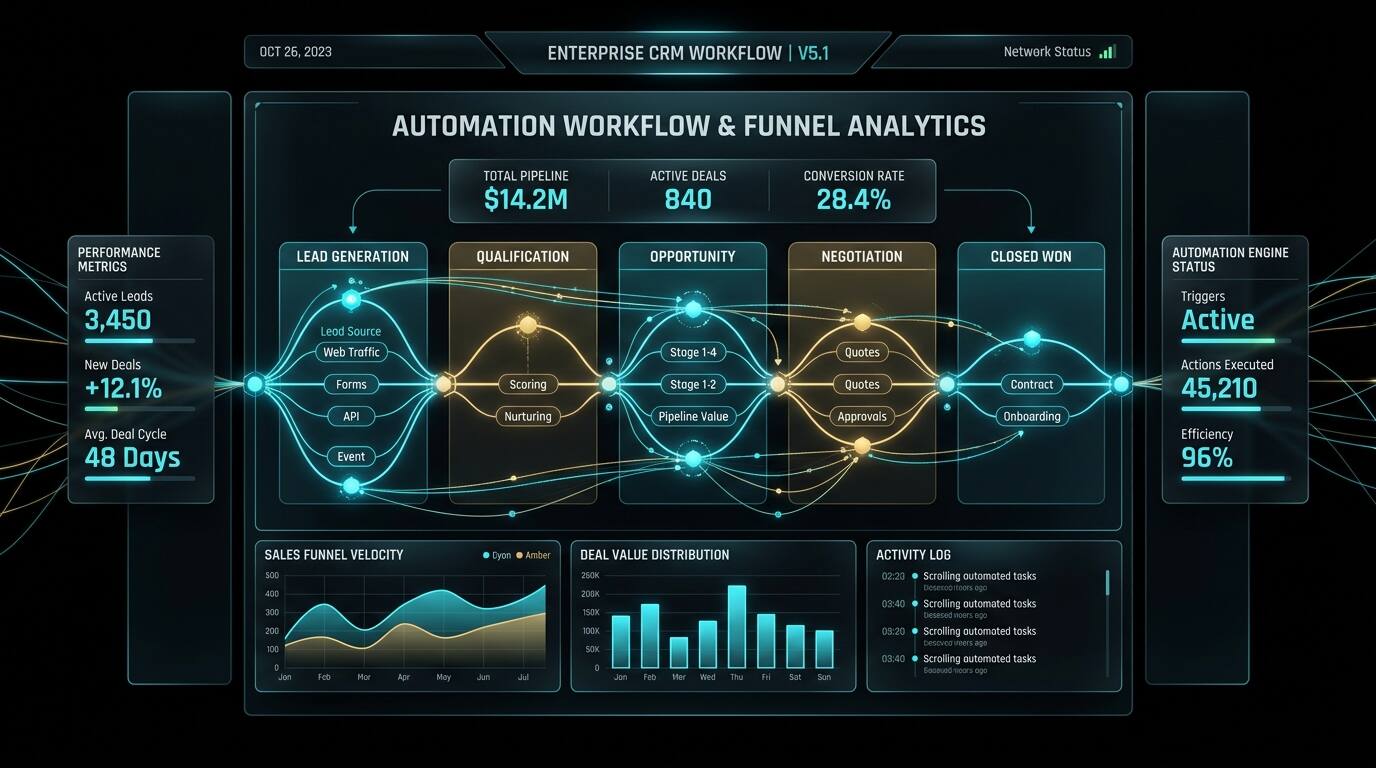
Every growing business eventually hits the same wall: the off-the-shelf CRM that was perfect at 10 people now fights you at 50. Fields you don't need, workflows you can't change, and a per-seat bill that grows faster than revenue. Custom CRM development isn't about reinventing Salesforce — it's about building the exact sales and operations machine your business runs on. This guide covers when it makes sense, what it costs, and how to scope it right in 2026.
When a Custom CRM Beats HubSpot or Salesforce
Off-the-shelf CRMs win on day one. Custom CRMs win on day one thousand. Build your own when:
- Your workflow is the product: if your sales or operations process is genuinely unique — multi-stage approvals, industry-specific compliance, unusual quoting logic — bending Salesforce to fit costs more than building. (We compared the trade-offs directly in Custom CRM vs HubSpot and Salesforce.)
- Per-seat pricing is bleeding you: at 100+ seats, enterprise CRM licenses can exceed $150,000/year. A custom build often pays for itself in 18–30 months on license savings alone.
- You need deep vertical integration: industry CRMs exist for generic cases, but businesses like fintech lenders or logistics operators often need domain logic no plugin provides — see how a fintech CRM differs from a generic one.
- Data ownership matters: regulated industries and data-sensitive businesses sometimes can't accept their customer data living in a third-party cloud on someone else's terms.
Don't build when your process is standard, your team is small, or you need it live next month. Honesty here saves six figures.
Core Modules of a Production CRM
A real CRM is a suite, not a contacts table. Scope these modules explicitly:
- Contact and account management: unified customer records, deduplication, activity timelines, custom fields that match your data model — not someone else's.
- Pipeline and deal management: stages that mirror your actual sales process, drag-and-drop boards, weighted forecasting, and stage-gate automation.
- Communication hub: email, SMS, WhatsApp, and call logging in one timeline. This is where most off-the-shelf CRMs feel bolted-on — a custom build can make it native.
- Task and workflow automation: triggers ("deal idle 7 days → notify owner → create task"), sequences, and approval chains.
- Reporting and dashboards: the reports your leadership actually asks for, not 200 canned ones. Cohort analysis, rep leaderboards, funnel conversion by source.
- Integrations: accounting, marketing tools, telephony, and your product database — bidirectional sync with conflict rules, not CSV imports.
- Roles and permissions: field-level access control, audit logs, and data visibility rules. Non-negotiable for larger teams.
Technology Choices in 2026
The modern default stack for custom CRMs: a React/Next.js frontend for a fast, app-like UI; Node.js or Python API layer; PostgreSQL for the relational core (your customer data deserves ACID guarantees); Redis for caching and queues; and background workers for automation triggers and sync jobs. What matters more than the stack is architecture discipline: a clean domain model for contacts, deals, and activities; an event log for every state change (this becomes your audit trail and your automation trigger source); and API-first design so the mobile app, integrations, and AI features all consume the same contracts. Hire developers who have shipped data-heavy internal tools before — a Next.js developer with CRM or ERP experience will avoid the data-model mistakes that are expensive to fix later.
What Custom CRM Development Costs
- MVP (single team, core pipeline): $15,000–$35,000. Contacts, deals, basic automation, one or two integrations. 6–10 weeks.
- Full production CRM: $40,000–$100,000. All core modules, communication hub, advanced reporting, multiple integrations, permissions. 3–6 months.
- Enterprise / multi-entity: $100,000+. Multiple business units, complex compliance, data migration from legacy systems, custom mobile apps.
The biggest cost driver is rarely features — it's data migration and process discovery. Budget 20–30% of the project for mapping your current workflows and cleaning the data you're bringing over. Dirty data migrated into a beautiful new CRM is still dirty data.
How to Scope It Right: The Discovery Playbook
- Shadow your team for a week before writing a spec. The real workflow lives in Slack messages and spreadsheet side-quests, not in the process doc.
- Define "done" per module with acceptance criteria tied to real tasks ("a rep can log a call and schedule follow-up in under 60 seconds").
- Build the data model first, UI second. If contacts, deals, activities, and their relationships are right, the UI is straightforward. Get the model wrong and every feature fights it.
- Phase the rollout: pilot with one team, migrate in waves, keep the old system read-only for 90 days. Big-bang CRM migrations are how data gets lost.
- Plan for the AI layer now: even if you don't build it in phase one, an event-sourced architecture makes it cheap to add AI lead scoring, auto-summaries, and next-best-action suggestions later.
Data Migration: The Part Everyone Underestimates
Ask any team that has shipped a custom CRM what nearly sank the project and most will say migration, not code. Real-world CRM data is messy: duplicate contacts with three spellings of the same company, deals stuck in stages nobody uses, activities logged in personal inboxes. A disciplined migration runs in four passes:
- Audit: profile every source — record counts, field fill rates, obvious duplicates. You'll find data nobody knew existed and fields nobody has touched in years.
- Cleanse: deduplicate, normalize, and fill or drop. This is manual, unglamorous, and the highest-ROI work in the project.
- Map and transform: explicit field-by-field mapping from old to new, including what gets merged, archived, or left behind. Document every decision.
- Rehearse: run the full migration against a staging environment at least twice, with real users validating their own accounts and pipelines before cutover.
Rule of thumb: if migration looks like less than 20% of the project plan, the plan is wrong.
Maintenance and Total Cost of Ownership
A custom CRM is an asset, not a purchase — budget for it like one. Expect annual maintenance at roughly 15–20% of build cost: hosting and infrastructure, security patches, minor workflow tweaks as your process evolves, and user support. The costs teams forget: ongoing integration maintenance (third-party APIs change — your Salesforce or accounting connector will break at least once a year), and the "CRM admin" role — someone internal who owns configuration, or a retainer with your development partner. Set against this the license fees you are not paying and the productivity gains from a system shaped to your process, and the multi-year math is usually strongly positive for mid-size and larger teams.
Build vs. Buy: The Honest Math
Add up three years of per-seat licenses, implementation consultants, and the productivity cost of workarounds — then compare against build cost plus hosting and maintenance (typically 15–20% of build cost per year). For teams over ~75 seats with non-standard workflows, custom usually wins by year two or three. For smaller or standard-process teams, buy and customize. Our custom software services include a discovery engagement that runs this math with your real numbers — talk to us before committing either way.